How it works
From your card to a wall print
Scroll to watch one real card go through the studio, step by step.

-
Start
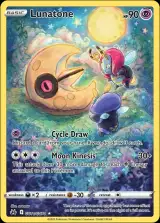
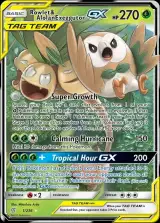
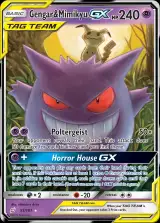
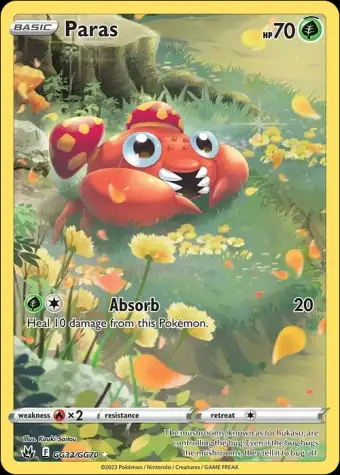
Paste a link to your card
Find your card on TCGplayer, pkmn.gg or the Pokémon TCG site, copy its picture's address and paste it in. A clean digital picture makes the sharpest print. No picture online? Upload a scan instead.
Free to add -
Step 1
Clean card
We cut your card cleanly out of its picture, ready to sit in the middle of the print.
Part of Clean art -
Step 1
Art only
The border, name and attack text come off, leaving just the artwork.
Clean art: 11 credits -
Step 2
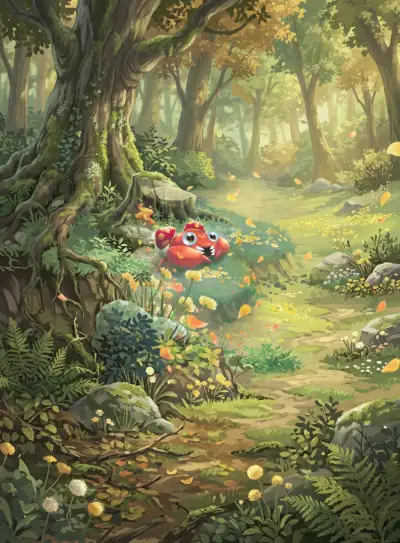
Full art
The artwork is painted out past the card's edges into a full scene. Before it runs you can describe how you picture that scene; we do our best to follow it, but it isn't guaranteed.
15 credits -
Step 3
Print size
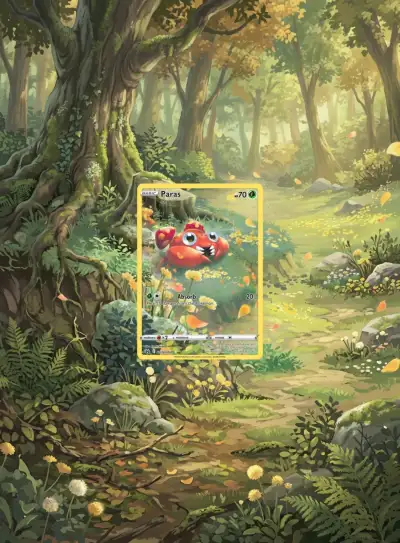
The scene is enlarged and sharpened for printing, then cut into binder inserts that go around your real card.
9 credits -
Then
Into your binder
Print the 8 art panels, slide them into a 9-pocket binder page and put your real card in the middle pocket. The ZIP has ready-to-print sheets for standard 9-pocket and Vault X pages, the full artwork and a how-to guide.
- 9-pocket pages
- Vault X pages
- Full artwork
- How-to guide
Start your first cardYour first card: 19 credits instead of 35